

Numéro d'article
511784
Brodit support Zebra ET50/55 10.1"
PVC
38,95 €
- Livraison rapide
- Produits de haute qualité
- Paiements sécurisé
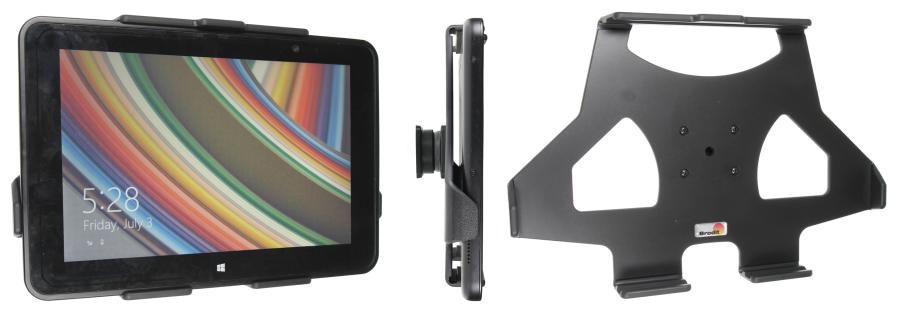
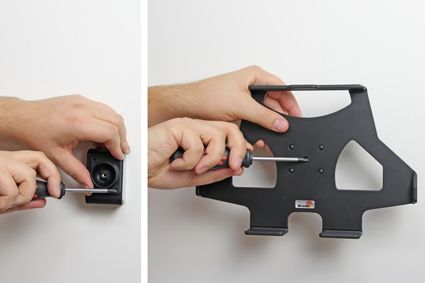
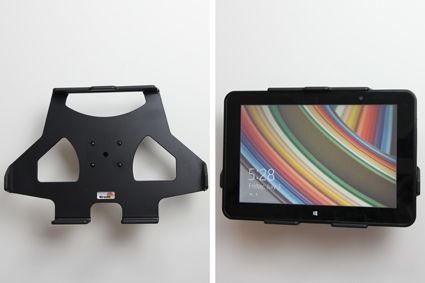
With your ET50/55 in a holder attached in your car you will always have it within easy reach in the car. Safe, neat and convenient!
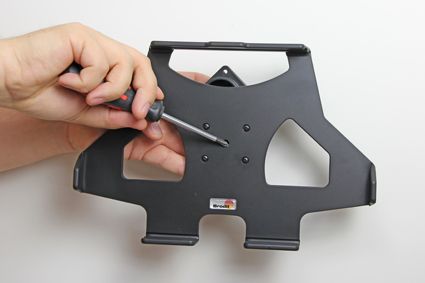
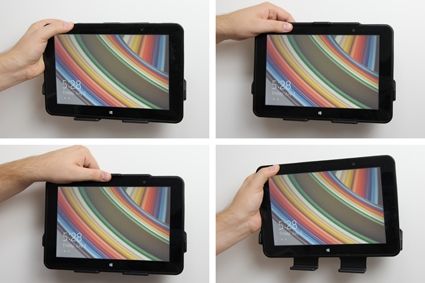
The holder is mounted onto a tilt swivel. This mean that you can adjust the angle in order to avoid light reflection on the screen. You can easily switch between portrait and landscape mode by turning the holder into desired position. It is easy to put the ET50/55 into place in the holder, and to take it with you when leaving the car.
Tablets (Surfpads) should not be installed onto a car’s dashboard if they block the view or block key controls. ProClip (Brodit’s vehicle mounting bracket) is designed for installation of smaller devices like mobile phones and GPS devices, ProClip is not designed for large devices like tablets. In some vehicles the ProClip has an extra firm fit and can then be used also for installation of a tablet. If you want to place a tablet onto the car’s dashboard, each combination of tablet-car must be examined in detail by you in order to determine if such an installation is possible in the specific case. Consideration should be given to the position and how firmly the ProClip is in place, as well as the size of the tablet you wish to use. Brodit will not give any recommendations for such installations.
An installation of a tablet onto a vehicle’s dashboard is always done on the customer’s own responsibility. Brodit recommends to use tablets on the car’s headrest, installed onto a Brodit headrest mount.
| Marque d'accessoire | Brodit |
|---|---|
| Barcode | 7320285117846 |
| Prix Public TTC | 38,95 € |
| Appareil avec ou sans étui | sans etui |
| Caractéristique du support | Spécifique à l'appareil |
| Cable / Qi / charger type / connnector | passif |
| Tension d'entrée | Ne s'applique pas |
| Voltage (output) | Ne s'applique pas |
| Max Amperage | Ne s'applique pas |
| Montage standaard | AMPS |
| Verrouillable | non |
| Couleur | noir |
| Info produit | Support professionnel avec rotule pour votre smartphone, système de navigation ou tablet. Plus de réflexions ennuyeuses par la possibilité de modifier l’inclinaison. |
Voir plus +
Montrer moins -
Voir plus +
Montrer moins -
Produits apparentés